Unity 6.0 LTS, the first Long Term Support release of the Unity 6 family, has reached the end of its standard two-year support window. If your mobile game still ships on a 6000.0 build, you are now on an editor that no longer gets public patches, at a time when Google Play and the App Store have both raised their minimum build requirements. This guide covers what ended, which Unity versions are still supported, and how a small studio can pick a target and move without breaking a live game.
What actually ended in October 2026
Unity's release support page states that Unity 6.0 LTS is supported "through October 2026", while Unity 6.3 LTS is supported until December 2027. Unity Enterprise and Unity Industry subscribers get one extra year on each LTS. Public version trackers such as latestat.com list October 16, 2026 as the end-of-life date for the 6000.0 branch, with 6000.0.85f1 as its last public patch.
In practice this means:
- No more bug fixes or security patches for 6000.0 on the Personal and Pro plans.
- New platform requirements (a new Android target API level, a new Xcode version) will not be backported to 6.0 for most teams.
- Asset Store publishers and SDK vendors usually follow Unity's supported list, so plugin updates for 6.0 will slow down.
Your existing builds keep working on players' phones. The risk is the next update you need to ship: a crash fix, a seasonal event or a store compliance change. That is when an unsupported editor costs you time.
The supported Unity versions right now
As of late October 2026, the supported options for production are:
| Version | Type | Released | Supported until | Best for |
|---|---|---|---|---|
| Unity 6.3 LTS (6000.3) | Long Term Support | Dec 4, 2025 | December 2027 | Live games, projects close to launch |
| Unity 6.6 (6000.6) | Supported Update release | Sep 1, 2026 | Until Unity 6.7 ships | Projects that want the newest features now |
| Unity 6.7 LTS | Long Term Support | Expected Q4 2026 | Two years from release | The next stable base, and the bridge to Unity 7 |
| Unity 7 | Next generation | Early beta December 2026, full release Q1 2027 | Not announced | Experiments only for now |
Sources for the table: Unity's 6.3 LTS announcement, the Unity 6.6 availability post, Digital Today's report on Unity's 6.7 LTS timing, and the Unity 7 roadmap press release. Unity has not given an exact day for 6.7 LTS, so treat "Q4 2026" as a plan, not a promise.
Unity 6.3 LTS: the safe default
Unity 6.3 LTS was the first LTS since 6.0 and is the conservative choice. Unity recommends it for live-service games and teams about to lock production. It added Platform Toolkit, a single API for accounts, save data and achievements across platforms, including Android with Google Play Services and iOS with GameKit, plus native screen reader support for accessible games. The jump from 6.0 to 6.3 is still inside the Unity 6 family, and Unity keeps a list of the small number of planned breaking changes in its upgrade guide.
Unity 6.6: newer, but shorter-lived
Unity 6.6 is a "Supported" release. Unity says it gets the same support and stability as an LTS, but only until 6.7 arrives. For mobile teams the useful additions are:
- Content Directories, a new way to manage local content that can replace local AssetBundles. Teams already on Addressables can switch groups and rebuild without changing loading code. In Unity's own tests on Slime Rancher 2, startup time dropped from 45 to 30 seconds and incremental builds from 30 minutes to three, as summarised by gameloop. Remote distribution through Content Directories is planned for Unity 7, so keep AssetBundles for downloadable content.
- Native Dictionary serialization:
[SerializeField]now works directly onDictionaryfields, with no wrapper classes. - A Safe Area component for uGUI that follows display cutouts and gesture areas, which matters more now that Android forces edge-to-edge layouts.
- A Build Analysis window for comparing build history and finding the largest assets.
- Fast Enter Play Mode by default for new projects. Static variables are no longer reset when you press Play, which can surface bugs in code that relied on a fresh domain each time.
If you upgrade to 6.6 now, plan a second, smaller upgrade to 6.7 LTS once it is out, because 6.6 support stops when 6.7 ships.
Unity 7: plan for it, do not ship on it
At Unite Seoul in July, Unity announced that Unity 7 moves the scripting runtime from Mono to CoreCLR, with near-instant Play Mode and shader builds "up to 90% faster". Unity says Unity 7 will not require a traditional upgrade from Unity 6. Early beta testing is scheduled for December 2026 and the full release for Q1 2027. Unity's June 2026 scripting update also states that 6.7 LTS is the final release built on Mono and that experimental releases should not be used in active production. A beta in December is something to test on a copy of your project, not something to submit to the stores.
Store rules that make the decision urgent
The editor choice is tied to what Google and Apple accept at upload.
Google Play. Since August 31, 2026, new apps and app updates must target Android 16 (API level 36). Teams could request an extension, but the latest possible date is November 1, 2026. Existing apps must target at least API level 35 to stay available to new users on newer Android versions. According to Unity's Android compatibility page, 6000.0.46f1 and later can target API level 36, and 6000.0.38f1 and later support 16 KB memory page sizes. So a recent 6.0 build can still pass today, but next year's API 37 requirement is very unlikely to be patched into an unsupported branch.
Targeting API 36 also changes behavior. Google's Android 16 behavior changes remove the edge-to-edge opt-out and turn on predictive back by default: onBackPressed is no longer called and KEYCODE_BACK is no longer dispatched on Android 16 devices. Many Unity games open a pause or quit dialog on the Android back button, so test that flow on a real Android 16 phone before release.
App Store. Apple's upcoming requirements page shows that since April 28, 2026, uploads must be built with Xcode 26 or later using the iOS 26 SDK, and since September 9, 2026, iOS and iPadOS apps must target iOS 13 or later. Check that your Unity version and your ads, analytics and IAP SDKs are listed as compatible with Xcode 26 before you start the upgrade.
How to choose: a simple decision guide
- Live game with steady updates and a small team: move to 6.3 LTS now. You get support through December 2027 and plugin vendors will support it for a long time. Re-evaluate when 6.7 LTS has had a few patch releases.
- New project in pre-production, launch in 2027: start on 6.6 and move to 6.7 LTS when it ships. You get Content Directories and the new serialization today, and you land on the LTS that leads into Unity 7.
- Game in maintenance mode, few updates a year: at minimum update to the latest 6000.0 patch so you meet API 36 and 16 KB page size rules, then schedule the 6.3 move before your next content update. Do not wait for the next store deadline.
- Unity Enterprise or Industry customer: you have extra 6.0 support until October 2027, which buys time, but the store rules above still apply.
Upgrade checklist for a mobile Unity project
- Branch and back up. Create a dedicated upgrade branch and make sure your Library folder is not committed. Record the current editor version, package versions and build sizes.
- Inventory third-party SDKs. List ads mediation, analytics, attribution, IAP and backend SDKs. Check each vendor's release notes for your target Unity version, Android API 36, 16 KB page sizes and Xcode 26.
- Run Project Auditor. Unity has integrated Project Auditor into Unity 6 to flag code and settings issues, and it is also the tool Unity points to for CoreCLR readiness.
- Open the project in the new editor. Let packages resolve, then fix compiler errors before touching anything else. Read the upgrade guide for each minor version you skip.
- Check Player Settings. Confirm target API level 36, ARM64, IL2CPP, minimum iOS version and the Gradle and JDK versions the new editor installs.
- Test domain-reload assumptions. If you move to 6.6 or later, enter Play Mode several times in a row and watch for static state that is not reset, such as singletons and cached managers.
- Device testing. Test on at least one low-end Android phone, one Android 16 device and one recent iPhone. Check safe areas, the back button, ads, purchases and restore purchases.
- Compare builds. Check app size, cold start time and memory against the old build. The 6.6 Build Analysis window helps here.
- Staged rollout. Release to a small percentage on Google Play first and watch crash and ANR rates in Android vitals before going to 100%.
Pros and cons of moving now
Pros
- Security and bug fixes again, plus vendor support for SDK updates.
- A clear path to API level 37 next year and to Unity 7 later.
- Real workflow gains in 6.6, such as faster Play Mode and serialized dictionaries.
Cons
- QA time: a proper upgrade for a live mobile game usually needs a full regression pass.
- Some Asset Store packages lag behind new editor versions.
- If you pick 6.6, you will upgrade again within months when 6.7 LTS arrives.
Our take
At Lightning Studio we build and publish Unity mobile games from Da Nang, mostly for English-speaking markets, and our rule is simple: ship on an LTS, prototype on the newest release. For our live titles that means moving to 6.3 LTS now rather than waiting for 6.7, because store deadlines arrive every year and an editor upgrade is cheaper when you are not also racing a compliance date. For new prototypes we are trying 6.6 to get used to Fast Enter Play Mode before CoreCLR becomes mandatory in Unity 7. We will not put Unity 7 beta builds in front of players until the full release has shipped and our ads and IAP SDKs support it.
Sources
- Unity 6 release support (LTS and Update releases)
- Unity 6.3 LTS is now available, Unity blog
- Unity 6.6 is now available, Unity Discussions
- Unity 7 roadmap revealed at Unite Seoul, Unity press release
- CoreCLR, Scripting, and Serialization Update, June 2026, Unity Discussions
- Unity releases Unity 6.6, Digital Today
- Android requirements and compatibility, Unity Manual
- Meet Google Play's target API level requirement, Android Developers
- Behavior changes: apps targeting Android 16, Android Developers
- Upcoming requirements, Apple Developer
- gamedev newsletter, October 15, 2026, gameloop
- Unity latest version and end-of-life dates, latestat.com
Want to see what we build with Unity, or talk about a game project? Visit Lightning Games.
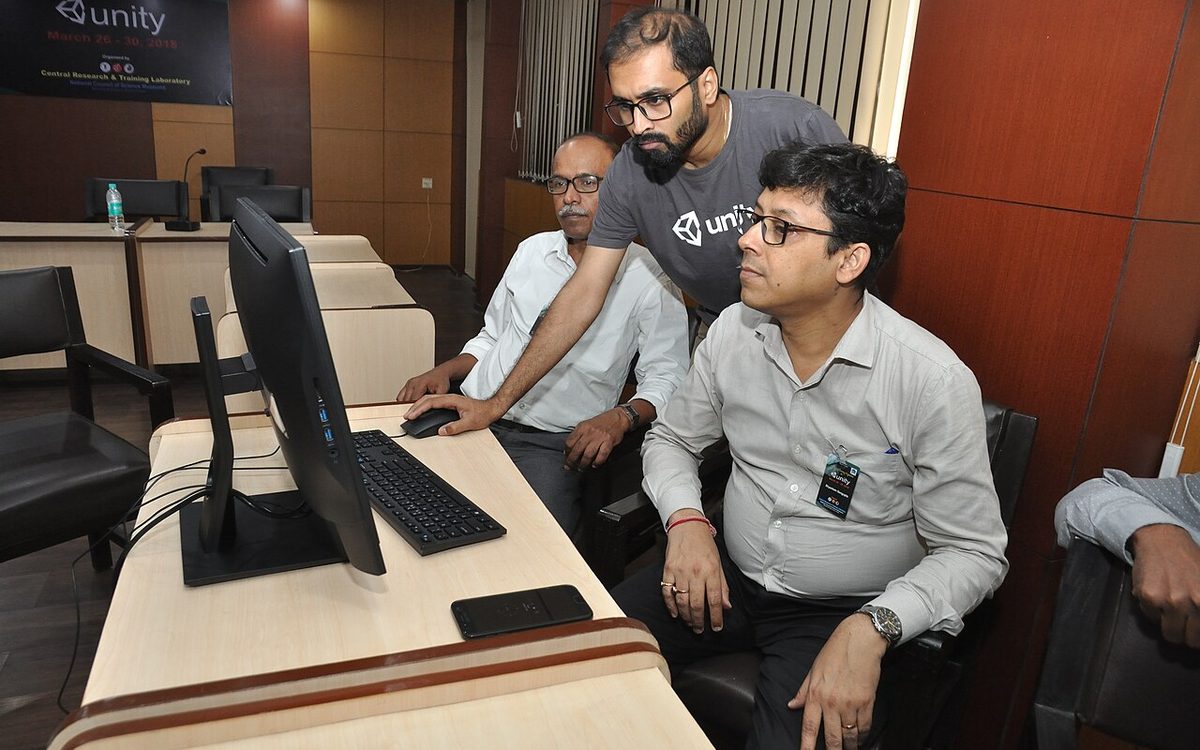
Cover photo: 2D Game Development Session - Professional Training Programme On Unity Software - NCSM - Kolkata 2018-03-26 9341 by Biswarup Ganguly, CC BY-SA 4.0, via Wikimedia Commons (cropped).
Related posts

Google's EDM4U Is Archived: Moving Unity Projects to Unity's EDM
Google's EDM4U goes read-only on 26 October 2026. What Unity's new External Dependency Manager changes, what it drops, and a safe migration plan for live mobile games.
Google Play Games Level Up 2026: What Small Unity Studios Should Do
Google Play's new Level Up rate card and quality guidelines took effect on September 30, 2026. What actually applies to small Unity studios, and what to fix before February 2027.

Xcode 27 Requires UIScene: A Migration Guide for iOS App Teams
Apps built with Xcode 27 must adopt the UIScene life cycle or fail to launch. What changed, who is affected, and how to migrate native, Flutter, React Native, Expo, Capacitor and Unity apps.