On November 18, 2026, Google Play announced its first hard quality requirements for games on foldables and large screens. Two dates now matter for every Android game team: April 2027, when new games and updates must ship with foldable screenshots, and August 2027, when games must meet the new "Tier 3 (Ready)" baseline to publish or update at all. This guide explains what the rules actually say, what they mean for a Unity mobile game, and a practical plan to get there without rewriting your game.
▶ Watch the video version (about 4 minutes):
What Google announced
The announcement came from Aurash Mahbod, VP and GM of Google Play Games, on the Android Developers Blog. Google introduced a set of large screen and foldables quality guidelines for games, organised in three tiers, plus two Play Console requirements with deadlines.
| Milestone | What changes | Who it affects |
|---|---|---|
| November 2026 (now) | Play Console accepts foldable screenshots; they appear in listings over the following weeks | Optional for everyone |
| April 2027 | New games and updates must include dedicated foldable screenshots | Every game publishing or updating its listing |
| August 2027 | Games must meet Tier 3 (Ready) to publish new games or updates | Every game on Google Play |
Apps get a parallel set of rules with an earlier date. Google's adaptive quality standards for apps require the app version of Tier 3 from April 2027, and The Verge and 9to5Google both note that apps which miss the bar can lose the ability to publish updates and may get reduced visibility. Games get four extra months, which is a sign that Google knows engine-based games need more work.
The three tiers, in plain words
Google deliberately does not call this "adaptive" for games. The guidelines explain that a game can't reflow a portrait board into a landscape layout the way an app reflows panes. Instead, games render full screen across a set of "anchor" aspect ratios and cleanly letterbox or pillarbox themselves outside those ratios.
- Tier 3, Ready (required from August 2027). Full screen in your supported orientations, HUD clear of cutouts and system bars, clean in-engine letterboxing when rotated to an unsupported orientation, and no lost state or shifted touch targets when the device folds, unfolds, rotates or resizes.
- Tier 2, Optimized. Higher-resolution assets, proportional HUD scaling, styled framing instead of plain black bars, smooth frame pacing, and full playability with controllers, keyboards and mice.
- Tier 1, Differentiated. Form-factor showcase work. On foldables that means sustained 60 FPS (120 FPS where the display supports it), thermal and battery stability in long unfolded sessions, and dynamic resolution scaling between the inner and cover screens.
There is also a carrot. According to the announcement, reaching Tier 2 or Tier 1 unlocks foldable badging and extra merchandising on the Play Store, and the guidelines state plainly that Google Play ranks optimized games higher than unoptimized ones. For a small studio that lives on organic installs, that line matters more than the deadline.
What Tier 3 actually asks for
The Tier 3 page is short and testable. These are the parts most mobile games will trip over.
Anchor aspect ratios
Unfolded inner screens are 1:1, 10:9 or 4:3 in landscape (1:1, 9:10, 3:4 in portrait). Tablets and folded "passport-style" cover screens are 16:10 (10:16 in portrait). Your game must render full screen on the ratios that match its orientation, without running in Android's compatibility mode. The guideline names the fix directly: declare android:resizeableActivity="true".
Rotation rules differ for portrait and landscape games
- Portrait-only games must not lock orientation on unfolded foldables and tablets. Rotated to landscape, they render full screen on 1:1 and 10:9 screens and cleanly pillarbox themselves on 4:3 and 16:10 screens.
- Landscape-only games must rotate to portrait on unfolded inner screens: full screen on 1:1 and 9:10, a clean letterbox on 3:4. Portrait support is not required on 10:16 tablets or folded cover screens.
"Clean" has a specific meaning here: the game draws the bars itself, keeps the view centered, and touch targets still work. Relying on the OS or manufacturer letterbox does not count.
Insets, continuity and multi-window
- The game must respect the real visible insets, even in immersive mode: notches, punch holes, gesture bars, split-screen headers, taskbars and Kids mode bars.
- Rotating, folding, unfolding and resizing must not crash, cause an ANR, restart the level, desync audio or offset touch hit-boxes. Scroll positions, typed text and cutscene playback must survive.
- The game must be playable in a 50/50 split screen, and handle losing focus: pause cleanly (or keep updating) when single-player, keep the connection when online, and duck or mute audio.
The guidelines also say what not to do: never stretch the viewport or characters non-uniformly to fill the screen. Change the camera field of view or letterbox instead.
The screenshot requirement
From April 2027 you need at least three foldable screenshots in addition to the standard phone screenshot, in your game's primary orientation. The screenshot guide allows three to eight foldable screenshots.
| Device type | What to upload | Example devices |
|---|---|---|
| 1:1 inner screen | At least 1 screenshot at exact 1:1 | Galaxy Z Fold8 Ultra, Pixel 11 Pro Fold |
| 4:3 inner screen | At least 1 at 4:3 (or 3:4) | Galaxy Z Fold8 |
| Passport cover screen | At least 1 at 16:10 (or 10:16) | Galaxy Z Fold8 folded |
You don't need a drawer full of devices. Google says screenshots taken from the Android Emulator's "Foldable (1:1 unfolded inner screen)" and "Foldable (4:3 unfolded inner screen)" profiles are fully compliant. The guide maps them to Android CLI profiles (foldable_1_1 at 2106 x 2106 px, foldable_4_3 at 2688 x 2016 px in landscape). Uploads go in Play Console under Grow > Store presence > Store listings. The guide also makes a fair commercial point: a listing with only phone screenshots tells foldable owners your game will probably be boxed or stretched.
A Unity plan, step by step
Google's Unity large-screen guide and Unity's Android Player settings cover most of the work. Here is the order we would do it in.
- Turn on Resizable Window in Player Settings for Android. This is how a Unity build declares that it can handle resizing, so Android stops putting it in compatibility mode.
- Review Resolution and Presentation. Check Aspect Ratio Mode (it caps the widest ratio you support and adds black bars past it), enable Reset resolution on window resize if you use Fixed DPI scaling, and decide on Run Without Focus: enabled keeps the game running when visible in split screen but not focused.
- Stop caching screen size at startup. In most projects the real bug is code that reads
Screen.widthonce inAwakeand lays out the HUD or the camera from it. React when the size changes. - Letterbox in the engine. For ratios you don't design for, set the camera's viewport rect and draw your own bars (a plain colour for Tier 3, styled art for Tier 2).
- Bind HUD roots to
Screen.safeArea, and re-apply it whenever the size or orientation changes, not only at launch. - Remove orientation locks where the rules need rotation. A portrait puzzle game must accept landscape on unfolded devices, even if it just pillarboxes the portrait layout.
- Test the Tier 3 cases on the emulator's foldable profiles, or through Android Device Streaming if you have no device.
A minimal aspect guard for step 4 looks like this:
using UnityEngine;

[RequireComponent(typeof(Camera))]
public class AspectGuard : MonoBehaviour
{
    [SerializeField] float minAspect = 0.42f; // tallest ratio you design for
    [SerializeField] float maxAspect = 1.12f; // widest ratio you design for
    Camera cam; int lastW, lastH;

    void Awake() { cam = GetComponent<Camera>(); Apply(); }

    void Update()
    {
        if (Screen.width != lastW || Screen.height != lastH) Apply();
    }

    void Apply()
    {
        lastW = Screen.width; lastH = Screen.height;
        float a = (float)lastW / lastH;
        var r = new Rect(0f, 0f, 1f, 1f);
        if (a > maxAspect) { float w = maxAspect / a; r = new Rect((1f - w) / 2f, 0f, w, 1f); }
        else if (a < minAspect) { float h = a / minAspect; r = new Rect(0f, (1f - h) / 2f, 1f, h); }
        cam.rect = r;
    }
}
With these values a portrait game fills 9:16, 9:10, 1:1 and 10:9 screens (your layout must actually work up to 10:9), and pillarboxes on 4:3 and 16:10 landscape screens, which matches the Tier 3 rotation rule. Put a second camera with a lower depth that clears to your bar colour, so the area outside the rect never shows stale pixels. Google's Lost Crypt sample shows the same idea with its CameraAspectLock and SafeZoneAPI scripts, and adds a tabletop-posture scene using Jetpack WindowManager if you want to go further.
If you already prepared for Apple's foldable, much of this code carries over. Our guide to iPhone Duo for Unity games covers the resize and safe-area side in more detail.
A Tier 3 test checklist
Run this on each build before an Android release, in both a 1:1 and a 4:3 foldable profile:
- Launch unfolded: full screen, no system letterbox, HUD clear of the cutout and gesture bar.
- Unfold mid-level, then rotate: same level, same score, same camera framing, audio still in sync.
- Tap every corner button after each change: hit-boxes must match the visuals.
- Open a menu with a scroll list or a name field, rotate: scroll position and typed text stay.
- Put the game in 50/50 split screen next to another app, tap the other app: the game pauses or keeps running, audio ducks, nothing freezes.
- The Unity-specific case from the guidelines: start a split-screen pair, go Home, reopen the pair from Recents, and check the game resumes with the correct layout.
Our take
At Lightning Studio we ship small Unity mobile games, mostly portrait and casual. For games like ours, Tier 3 is a few days of work, not a rewrite. The risky part is not the camera; it is the forgotten edge cases: a shop screen built for 9:16 only, an ad SDK view that ignores insets, a tutorial overlay positioned once at startup. Starting now spreads that work across normal releases instead of one panicked update in July 2027.
We would do the screenshots first. They are cheap with the emulator, they are required sooner, and they force you to look at your game at 1:1 today. If what you see is stretched or broken, you have your Tier 3 backlog. And since Google says it ranks optimized games higher, Tier 2 polish (proportional HUD, framed letterboxing, controller support) is worth planning for your main title rather than treating Tier 3 as the finish line.
Sources
- Elevating games: New large screens and foldables quality standards on Google Play, Android Developers Blog, November 18, 2026
- Tier 3 — Large screen ready (games), Android Developers
- Large screen and foldables quality guidelines for games, Android Developers
- Capture app screenshots for Google Play, Android Developers
- Make your Unity game great on all form factors, Android Developers
- Android Player settings, Unity Manual
- Elevating apps: New adaptive quality standards on Google Play, Android Developers Blog
- Google is forcing Android app developers to properly support foldables, The Verge
- Google Play wants Android apps to nail foldable basics by April, 9to5Google
Building a Unity mobile game and want it ready for foldables and tablets? See what we make at Lightning Games.
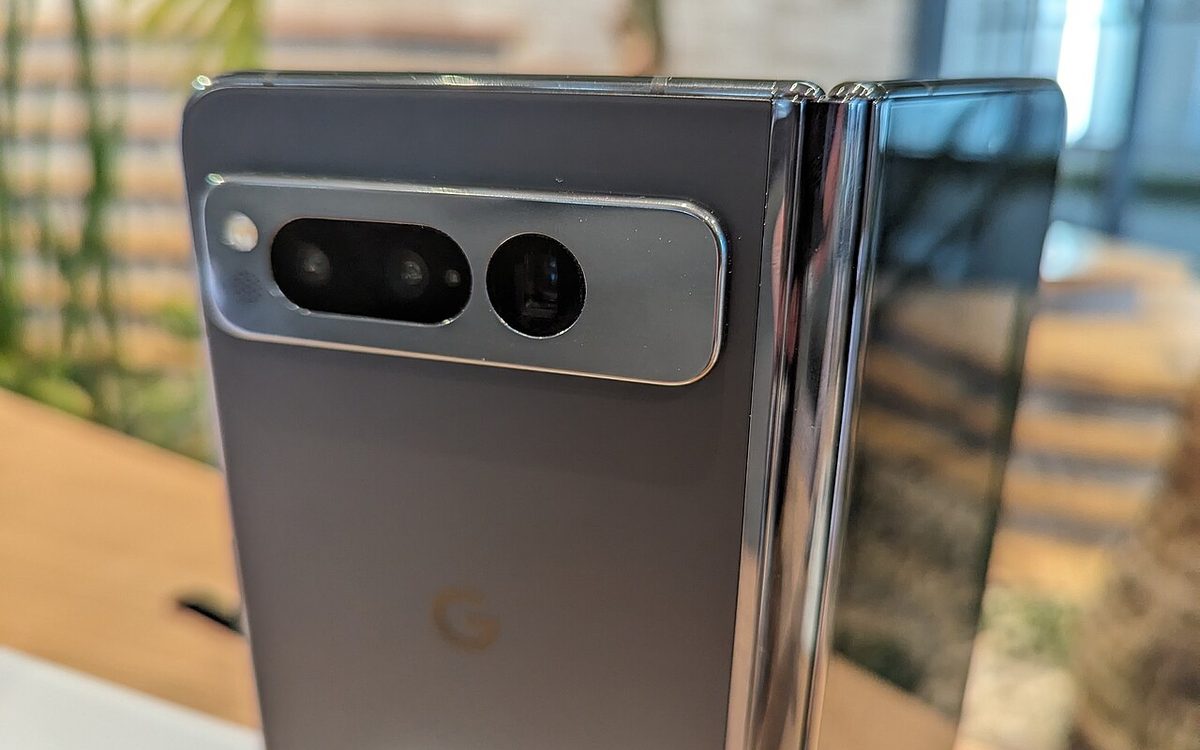
Cover photo: Google Pixel Fold, shown in Shibuya Stream 16 by Syced, CC0, via Wikimedia Commons (cropped).
Related posts
iPhone Duo for Unity Games: Resizing, Safe Areas and the Fold
Apple's foldable runs every iPhone game. What Unity found on the iPhone Duo simulator, why Xcode 27.1 matters, and a checklist before April 2027.
The First $1M in 2026: What 158 Mobile Games Teach Small Studios
AppMagic tracked 158 new 2026 mobile games to $1M. Puzzle games took 126 days but earned the most. Here is what the data means for your launch plan.
Unity's Official AI Agent Plugin: A Practical Guide for Mobile Teams
Unity now ships official skills for Claude Code, Codex, Grok and Copilot CLI. What is inside, how to install it, and where it helps a mobile game team.