On September 1, 2026, exactly 15 years after the first Slic3r commit, Prusa Research released the first public preview of PrusaSlicer 3.0. It is not a facelift: the user interface was rewritten from scratch, the profile system was redesigned around multi-tool printers, and the slicer gained a sandboxed plugin system and a true offline mode. A second alpha followed on September 21. This post explains what actually changed, what is still missing, and how to try it without putting your working setup at risk.
What was released, and when
Here is the timeline, taken from the PrusaSlicer releases page on GitHub and the official announcement on the Prusa blog:
| Date (2026) | Version | Status |
|---|---|---|
| June 25 | PrusaSlicer 2.9.6 | Current stable release (added the ColorMix feature) |
| September 1 | PrusaSlicer 3.0.0-alpha11 | First public alpha of 3.0 |
| September 21 | PrusaSlicer 3.0.0-alpha12 | Second public alpha: crash fixes and smaller improvements |
The alpha11 release notes say plainly that, unlike past Prusa alphas, this one is "expected to be unstable and not polished" and is not feature complete compared with 2.9.6. Treat it as a look at the direction of the software, not as a replacement for your current slicer.
Why Prusa rewrote the slicer
PrusaSlicer started life as Slic3r, written in Perl, and was later moved to C++ in several steps. Over the years it gained multi-extruder printing, resin (SLA) slicing, the wipe tower, multiple beds and filament overrides, none of which the original design anticipated. In the release notes, the developers describe reaching a point where they would decide not to fix an obvious bug because the fix would probably cause something worse. That is when they chose to rewrite most of the UI code and restructure the application around clearly defined responsibilities and data flow.
The slicing backend, which turns a model into toolpaths, kept its architecture, although its code also changed. The application around it (projects, profiles, UI) is new.
The changes you will notice first
A new interface
The layout is different from 2.x. A sidebar on the far left switches between Slicing, Prusa Connect and Printables. In the Slicing view, the object list moves to the left and works as an overview of the project. The right-hand panel is contextual: select a bed and it shows profiles and settings; select an object and it shows object settings; open a tool such as paint-on supports and its controls appear there instead of in a floating dialog.
Other visible changes:
- Favorites. Click the star next to any setting and it appears in the right panel. If you only ever change infill, walls and supports, you may never need to open the full settings pages.
- Light and dark modes, applied consistently across Windows, macOS and Linux.
- A View Cube for camera control, plus mouse navigation schemes matching Blender, Tinkercad, Fusion and SolidWorks.
- Better rendering: shadows and ambient occlusion, which can be switched off in Preferences on weaker GPUs.
- Floating objects: you can finally lift an object above the bed, which 2.x did not allow.
- Project-level colors: object colors are stored in the project instead of the printer or filament profile.
Joris Peels, who tested the alpha for 3DPrint.com, described it as "light-years faster" than earlier versions to open and use, and found the new right panel easier to work with than the old layout.
Projects, beds and tabs
PrusaSlicer 2.9.0 introduced multiple beds, but with a minimal implementation and a limit of nine. In 3.0, beds are real parts of a project. Each bed can have its own configuration, and you can even put different printers in the same project, for example an MK4S batch next to an XL batch. The nine-bed limit is gone, and beds are sliced in parallel.
You can also open several projects in one window as tabs, each with its own selections and open dialogs. Open projects are backed up in the background, so if the app crashes or the operating system kills it, you can restore your work on the next start. According to the release notes, saving a 3MF is more than twice as fast as in 2.9.6.
Profiles rebuilt for multi-tool printers
This is the most important change for anyone running a toolchanger or a printer with several nozzle sizes. In 2.x, system profiles were a fixed list of combinations. If your Prusa XL had a 0.4 mm high-flow nozzle on one tool and a 0.6 mm standard nozzle on another, there was no matching system profile. You had to copy the closest one and edit retraction and other values by hand, and your copy no longer received profile updates.
In 3.0, you choose the printer (for example "XL 5T") and the nozzle diameter and high-flow status of each tool become simple dropdown choices. The profile adapts to that hardware. A new fourth profile type, ToolPrint, holds print settings that can differ per tool, and the Print settings tab shows these per-extruder values side by side.
A few details worth knowing before you plan a mixed-nozzle job:
- All tools must still print with the same layer height. If no print profile shares a layer height across the selected nozzles (the release notes give 0.25 mm and 0.8 mm as an example), PrusaSlicer reports the combination as incompatible.
- Profile files moved from
.inito.yaml. - You can now keep unsaved edits in several filament profiles at once, which removes a lot of needless saving when tuning multi-material prints.
- Extrusion width is now calculated from nozzle diameter, not layer height. This is a long-standing Slic3r behavior that Prusa changed because 3.x projects break compatibility anyway. Projects from 2.x are converted on import, but if you set widths as percentages, check the numbers before you print.
Plugins and calibration prints
PrusaSlicer 3.0 adds a plugin system based on Lua. For now it does one thing: generate objects and projects. Two plugins ship with the alpha, a Flow tower and a Temperature tower. You fill in parameters in a dialog and a ready-to-slice project appears. SuperSlicer and other forks have offered such prints for years, so this closes a real gap.
Security was clearly a design concern. Plugins run in a sandbox and, by default, cannot access the disk, read data outside the loaded project, or use the network. Prusa says a marketplace for community plugins is in testing, with ratings, one-click installs and cryptographic signing of plugin bundles so you can verify who published a plugin. The Lua API is marked experimental, and Prusa warns it will probably break "every now and then".
Early community work shows both the potential and the limits. One user on the Prusa forum built plugins to change island print order, but had to fork the slicer to add hooks, because the current API cannot influence slicing itself.
Offline mode, privacy and licensing
Since 2.8.0, PrusaSlicer has integrated Prusa Account, Prusa Connect and Printables. In 3.0, the welcome wizard lets you disable all online services before any network communication happens, including profile update checks. In full offline mode the networking libraries are not loaded at all, which makes the slicer usable in air-gapped or locked-down networks such as school labs and production floors. You can also enable or disable each service separately in Preferences.
Automatic crash reporting (via Sentry) is opt-in. Reports include a stack trace and an application log, not your models or settings, but the log can contain local file paths, so leave it off if that bothers you.
PrusaSlicer 3.x remains open source under AGPLv3, the same license as 2.x and the original Slic3r. Prusa notes that the GUI rewrite was large enough that it could technically have been closed, and chose not to.
What is not ready yet
This is the section to read before installing. According to the alpha11 notes, the following are missing or incomplete:
- SLA (resin) slicing is disabled for now.
- Third-party printer profiles are not included. Only Prusa printers are supported in the alpha. Prusa says these profiles will return and that its position on supporting non-Prusa printers has not changed.
- Standalone G-code viewer will not be in 3.0.0.
- Post-processing scripts, the custom G-code editor, sequential arrange, 3Dconnexion mouse support, mirroring, and screen reader accessibility are still in the queue.
- The command-line interface was refactored. Prusa tried to keep it compatible, but some scripts will need changes.
- Saving custom user profiles works but is not polished, and projects using custom printers or coming from other slicers may produce errors.
The Prusa blog adds that some features will only be fully reimplemented in version 3.1.0.
File compatibility at a glance
| You open... | In PrusaSlicer 3.0 | In PrusaSlicer 2.x |
|---|---|---|
| 3MF saved by 2.x | Geometry and settings load; your changes stay flagged as modified | Works as before |
| 3MF saved by 3.x | Works | Geometry only; settings are dropped (2.9.1+ warns you) |
| 3MF from Bambu Studio or OrcaSlicer | Geometry only | Unchanged |
| STL, OBJ, STEP | Work as expected | Work as expected |
The one-way arrow is the trap: once a project is saved in 3.0, a colleague on 2.9.6 gets the shapes but loses every setting.
How to try it safely
- Keep 2.9.6 installed. It remains the current stable release. Back up your 2.x configuration folder anyway.
- Install the alpha alongside it. Alpha builds store profiles in a separate
PrusaSlicer3-devdirectory, so 2.x and 3.x do not overwrite each other. Get the latest build (alpha12 at the time of writing) from the GitHub releases page. On Linux, Flathub is now the only official channel and the alpha is in theflathub-betarepository. - Decide on online services during setup. If you work offline or on a restricted network, disable services in the welcome wizard.
- Work on copies. Use "Save as" with a new file name, so you never overwrite a 3MF that someone still opens in 2.x.
- Compare G-code before trusting it. Slice the same part in both versions and compare estimated time, filament use and the preview, especially if you used percentage-based extrusion widths.
- Run the calibration towers. They are the quickest way to see the plugin system and are useful in their own right when you open a new spool.
- Report problems through GitHub issues or the Prusa forum, which is what the alpha is for.
Our take
At Lightning Lab we print parts for students, makers and small businesses in Da Nang, and a slicer change is only good news if it does not break jobs already in the queue. Our view is simple: PrusaSlicer 3.0 is worth installing now on a second machine or next to 2.9.6 to learn the new layout, but not for production work yet.
The direction is right. Per-bed configuration fits how print services actually batch jobs, the multi-tool profile system fixes a real pain point, and a sandboxed plugin system with signed bundles is a careful way to open the slicer to the community. The offline mode is also good news for schools with locked-down networks.
But the gaps are real. No resin slicing, no third-party printer profiles and no post-processing scripts mean many shops cannot run their normal workflow in it yet. The one-way 3MF compatibility means you should agree as a team on when to switch. We will move our own jobs over when a release covers our printers and the features our workflow depends on, and we will test that release on real parts before it touches a customer order.
Sources
- PrusaSlicer 3.0 Preview: Built for the Future of 3D Printing, Prusa Research blog, September 1, 2026
- PrusaSlicer 3.0.0-alpha11 release notes, GitHub, September 1, 2026
- PrusaSlicer 3.0.0-alpha12 release notes, GitHub, September 21, 2026
- PrusaSlicer 3.0 Preview Arrives With New Architecture and a Community Plugin Marketplace on the Way, 3D Printing Industry
- PrusaSlicer 3.0 Review: A Major Slicer Overhaul, 3DPrint.com
- PrusaSlicer product page, Prusa Research
Not sure which slicer settings suit your part, or want us to print it for you? Send your file to lab@lightning-studio.org or visit Lightning Lab.
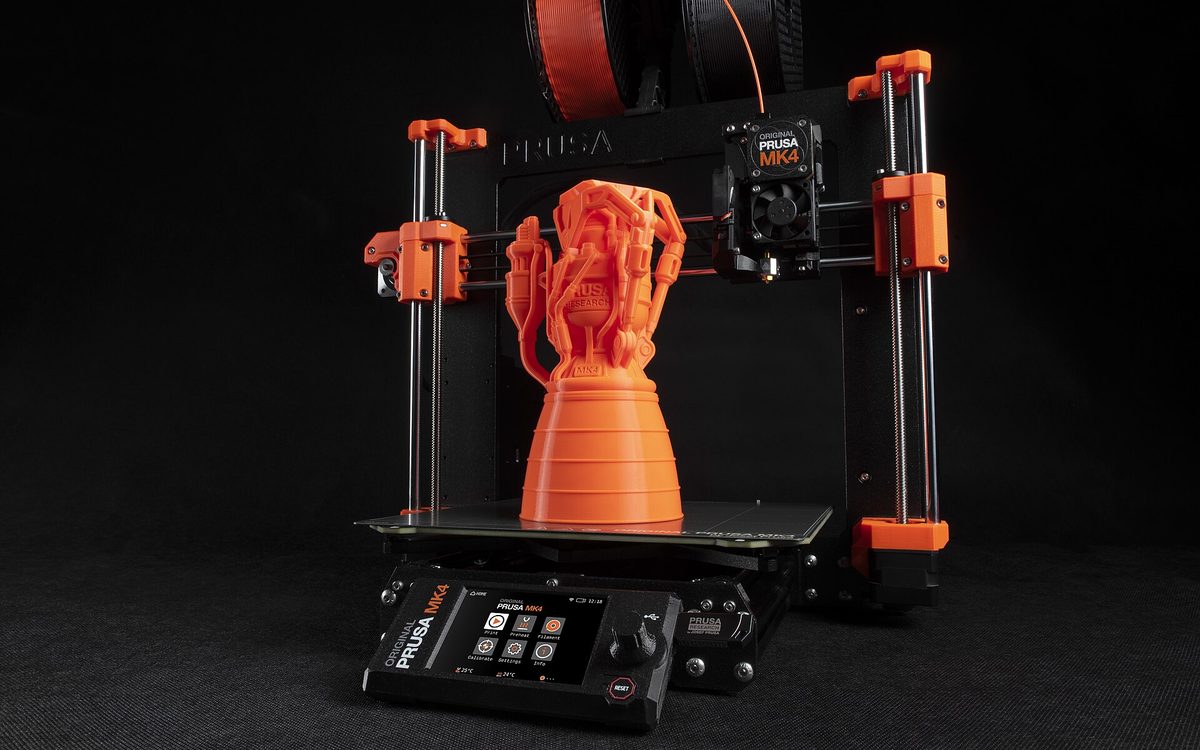
Cover photo: Prusa MK4 by Majkluss, CC BY-SA 4.0, via Wikimedia Commons (cropped).
Related posts
3D Printing in Education: A Practical Guide for Teachers and Schools
What to print for teaching, STEM projects students can design themselves, classroom safety, budgeting and a simple lesson flow from sketch to printed part.
Tool Changers vs Filament Swappers: Choosing a Multicolor 3D Printer
Creality K3, Sovol M1D and Bambu's upcoming H3C bring tool changing to mid-range prices. How the five multicolor approaches compare on waste, time and cost.
3D Printing Cosplay Props: Splitting, Finishing and Wearability
How to split big props to fit the bed, key and join the pieces, pick PLA, PETG or resin, keep shells light, then fill, paint and pad them for wearing.